CRM change management: you cannot test the change.
Every guide on this treats adoption as a people problem: communicate early, get buy-in, train properly. Below the top tier your CRM gives you nowhere to rehearse, so every change you make is made live, on real deals, in front of the team.
 Toni MedicSalestructSeptember 9, 20269 min readCRM & Pipeline
Every article on CRM change management says the same four things. Communicate early. Get executive buy-in. Train the team. Appoint a champion.
None of them mentions the thing that actually decides whether a change survives: whether you had anywhere to try it first.
The short version
- HubSpot's sandbox is an Enterprise feature. Its own documentation lists sandbox creation under Sales Hub, Marketing Hub, Service Hub and Smart CRM at Enterprise level only.
- So on Starter or Professional, every field, pipeline and automation change is made in production while people are selling.
- That is why changes get reverted under pressure. Not resistance, just a rep mid-deal hitting a required field nobody warned them about.
- Even with a sandbox, record IDs differ between it and production and integrations do not reconnect, so a sandbox test is a rehearsal, not a guarantee.
- Four controls substitute for the rehearsal you cannot run: change on a Friday, change one thing, write the revert first, and tell people what breaks rather than what improves.
What is CRM change management?
CRM change management is the practice of introducing changes to a live CRM without breaking the work of the people using it. It covers what you change, when you change it, who is told, and how you get back if it goes wrong.
Most treatments of it are about persuasion. The useful version is about blast radius.
The sandbox is an Enterprise feature
Here is the mechanical fact the advice skips. A sandbox is a copy of your CRM you can break safely, and in HubSpot it arrives at one price point.
Their documentation lists sandbox creation as available with Marketing Hub, Sales Hub, Service Hub, Data Hub, Content Hub, Smart CRM and Revenue Hub, all of them Enterprise. Creating one and deploying from it both require Super Admin permissions.
A company on Starter or Professional has no sandbox. So when your ops person adds a required field to the deal object, that field is required for everyone, immediately, including the rep who is halfway through updating a deal on a call.
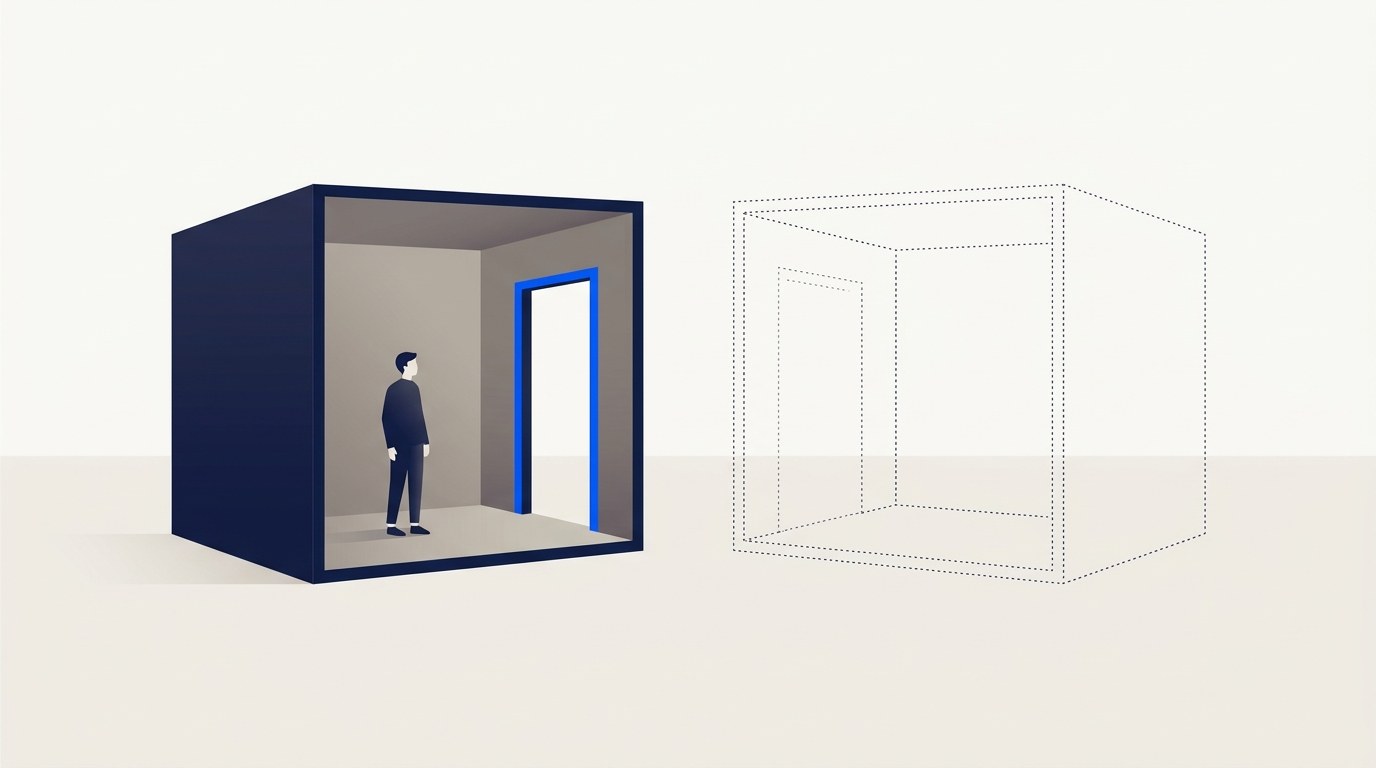
Worth knowing that this is a packaging decision rather than something inherent to CRMs. Microsoft's Power Platform documentation, which is what sits under Dynamics 365, describes a sandbox as simply "any non-production environment of Microsoft Dataverse", created from the admin centre by an Environment Admin or System Administrator. The page states no subscription tier for it, and it documents converting an existing production environment into a sandbox in seven clicks.
So one vendor treats a rehearsal space as an ordinary environment type, and another treats it as a reason to move up a tier. Which one you are on decides how you have to run the rest of this.
This reframes the whole problem. The reason a CRM change gets quietly reverted two weeks later usually isn't that the team resisted it. It's that the change met a real deal at a bad moment, cost somebody twenty minutes, and the fastest way to make the pain stop was to turn it off.
A sandbox wouldn't fully save you either
Worth saying, because "upgrade to Enterprise" is not the answer and I'm not going to pretend it is.
HubSpot's own page is honest about the limits. Record IDs differ between sandbox and production, so anything keyed on an ID behaves differently. Integrations are not reconnected automatically. Unsupported asset types cascade, so a workflow triggered by something the sandbox does not copy simply does not exist there. Deployments back to production are capped at 300 changes at a time.
A sandbox tells you whether the change is coherent. It does not tell you what happens when the change meets your actual integrations and your actual reps on a Tuesday. That gap is why the four controls below matter even for teams that do have one.
Four controls that substitute for a rehearsal
- Change on a Friday, never on a Monday
A change that lands Monday morning meets a full week of live deals within the hour. The same change on Friday afternoon has the weekend to be noticed by nobody, and you have two working days of quiet to reverse it. This is the single cheapest control here and almost nobody does it.
- One change at a time, with a name on it
Ship one field, or one pipeline edit, or one automation. Not a batch. When three changes go out together and something breaks, you cannot tell which one did it, so the safe response is to revert all three, including the two that were working. Batching does not save time, it just moves the cost to the day it fails.
- Write the revert before you make the change
Two lines, written down before you touch anything: what it was, and how to put it back. A required field's revert is "set required to false". An automation's revert is "turn it off and re-enable the manual step". If you cannot write the revert in two lines, the change is bigger than you think and needs breaking up.
- Tell people what will break, not what will improve
Announcements say "we're improving pipeline reporting" and people ignore them, because that is not a thing that happens to them. What lands is "from Friday you can't move a deal to Proposal without a close date, and here's the 5 second way to add one". Name the friction, name the workaround, in one message.
The common thread: you are not managing feelings, you are limiting how much can go wrong at once and making it cheap to undo. That works whether or not people are enthusiastic, which is the point, because enthusiasm is not a control.
What to check before your next CRM change
Three questions, and the answer to each one changes what you do next.
Find out whether you have a sandbox at all. Not whether your plan mentions one, whether one exists in your account today. It fails if you do not have one, or you do and nobody has opened it this year. An unused sandbox is the same as no sandbox, and if it fails you are on the four controls above, permanently.
Ask who made the last change, and when. It fails if nobody can name both. That is the same gap as not knowing who is allowed to change what, and it means your next change has no baseline to compare against when something looks wrong.
Try to name the revert for the last change you shipped. Out loud, in two lines. It fails if you have to go and look at the object to answer. A revert you have to reconstruct under pressure is not a revert, it's an investigation.
Common questions
Sources
Microsoft, Sandbox environments, Power Platform admin documentation. Describes a sandbox as "any non-production environment of Microsoft Dataverse", created in the Power Platform admin center with Environment Admin or System Administrator credentials, and documents converting a production environment to a sandbox. No subscription tier is stated for sandbox creation on this page. Page metadata shows last updated 14 August 2026. Fetched and read 9 September 2026 (2026)
HubSpot, Set up a HubSpot standard sandbox account. Lists sandbox creation as available at Enterprise level across Marketing Hub, Sales Hub, Service Hub, Data Hub, Content Hub, Smart CRM and Revenue Hub; Super Admin required to create and to deploy; record IDs differ between sandbox and production; integrations are not reconnected; deployments capped at 300 changes at a time. Page states last updated 27 July 2026. Fetched and read 9 September 2026 (2026)
How these were checked
Both vendors' pages were opened directly rather than read through a search summary. Note the limit on the Microsoft claim: that page describes how a sandbox is created and states no tier for it, which is not the same as a published entitlement per licence, so it is quoted here for what it says and no further. Salesforce and Zoho are not characterised in this post, because their documentation was not read for it.
Read next.
All articlesCRM governance: who is allowed to change what?
Most teams have never answered this, and assume the CRM is keeping a record anyway. On HubSpot Starter and Professional, it is keeping a record of logins and almost nothing else.
CRM pipeline stages: give every one an exit criterion
Your CRM ships with stages named after things your rep did, and it multiplies your forecast by a number attached to each one. Booking a presentation does not make a deal 60% likely to close, but that is what the default pipeline asserts.