Pipedrive Nova just shipped. Everything we know so far.
Pipedrive's AI meeting tool went generally available on 16 September 2026. What it briefs, records and drafts into the CRM, which plans get it, what's still unverified, and how it compares to a standalone recorder.
 Toni MedicSalestructSeptember 30, 202611 min readModern Stack & AI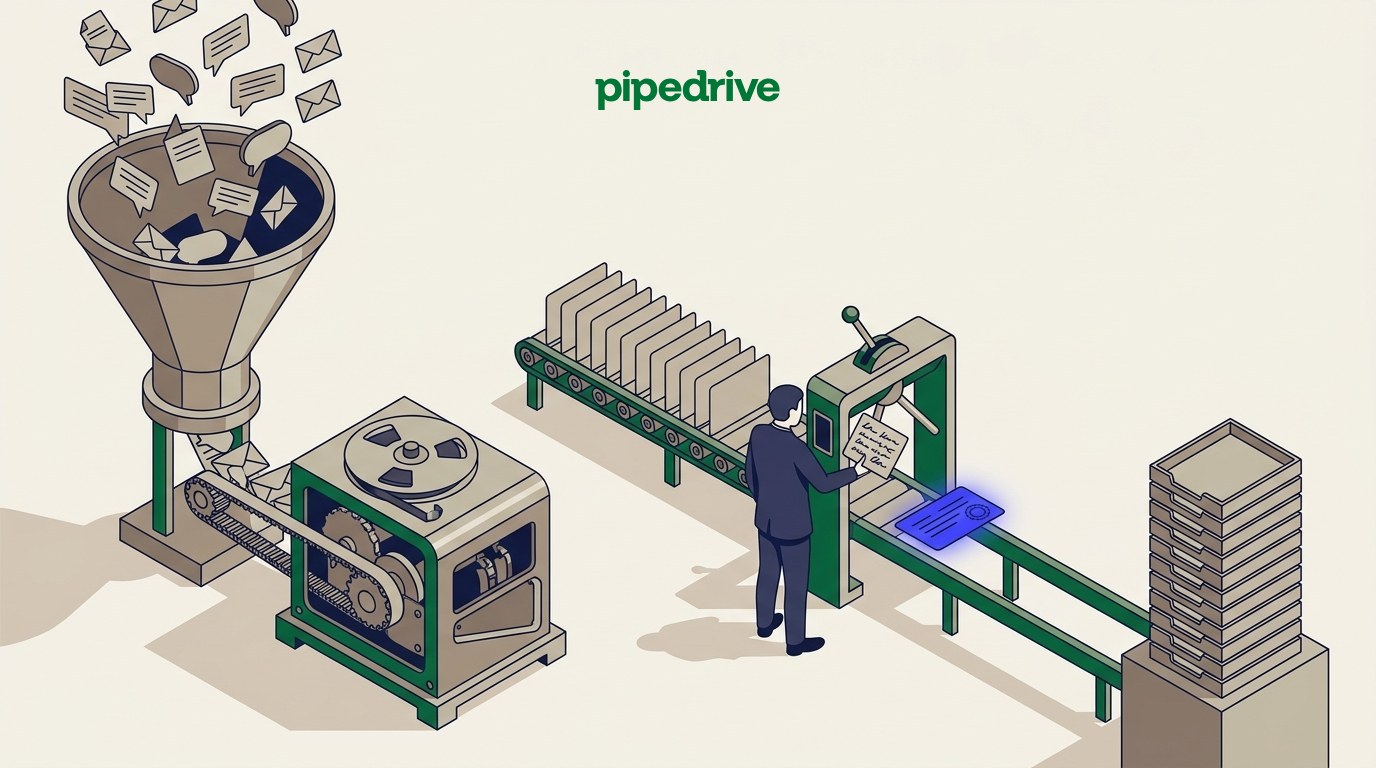
Pipedrive announced the general availability of Nova, its built-in meeting intelligence tool, on 16 September 2026. Nova briefs a rep before a call, records and transcribes it, then drafts the resulting CRM updates afterward. This is what it does, what it costs, which plans get it, what Pipedrive has and hasn't published, and where it sits next to a standalone recorder, read from Pipedrive's own newsroom, product page and knowledge base.
The short version
- Nova went generally available worldwide on 16 September 2026, built directly into Pipedrive rather than sold as a connected app.
- It's included on every plan (Lite, Growth, Premium, Ultimate) at no additional cost, with no setup or admin approval required before a user sees it.
- Three moments, one flow: a pre-call brief built from logged deal history and emails, a recording and transcript captured either by a visible bot or a bot-free desktop app, and a drafted CRM update a rep reviews before it saves.
- Pipedrive states nothing is written to a record automatically. Suggested field changes show side by side with the current value, and a rep approves, edits or skips each one.
- What Pipedrive hasn't published as of this check: which languages Nova transcribes, a public accuracy figure for its drafted updates, and which named AI providers process the data (the sub-processor list exists but doesn't name them by feature).
How this was checked
Every claim below is read from a page Pipedrive itself publishes on 29 September 2026: the newsroom press release, the Nova product page, and four support-article pages (nova, nova-faq, nova-companion, nova-meetings). Salestruct isn't a partner or reseller of Pipedrive. We build and run sales systems on top of CRMs including Pipedrive, which is why this reads Nova the way a sales team actually has to run it, not the way a press release summarizes it. Every source is linked at the bottom, and anything Pipedrive hasn't published is named as a gap rather than guessed at.
What actually shipped on 16 September 2026?
Pipedrive announced Nova's general availability in a press release dated New York, 16 September 2026, describing it as "an AI meeting intelligence tool built directly into Pipedrive." The release states Nova "briefs salespeople before calls using logged context, records and transcribes conversations during the meeting, and drafts the resulting CRM updates afterward," and that it "operates within the platform's infrastructure without requiring a separate AI tool to deploy or manage."
That last clause is the actual news. Pipedrive already sold meeting-related capability before this: its AI Notetaker could join a call as a bot. Nova is the combination of that capture step with a pre-call brief and a drafting step, shipped as one built-in feature rather than three separate ones, and made free across every plan on the same day. It's Pipedrive's entry into what the category calls conversation intelligence: software that listens to a sales conversation and turns it into structured, usable data, rather than just a recording nobody replays.
The release names one pilot customer: Snug, an Australian property-technology company whose software is used by "more than 73,000 property managers and 1.5 million renters across Australia," piloted Nova ahead of general availability. Its six-person sales team saves, in the company's own account, "between 30 minutes and one hour per sales meeting." Justin Butterworth, Snug's founder and CEO, is quoted: "Nova saves me at least half an hour to an hour per deal meeting in terms of note-taking, transcribing and follow-up action steps. The tool essentially triples the size and effectiveness of our sales team."
That figure describes one six-person team on one product, reported by the vendor's own press release. It's a real account, not an independent study, and it isn't a number every team should expect to match.
What does Nova actually do, before, during and after a call?
Pipedrive's own product page structures Nova around three moments, and each one has a specific mechanism behind it rather than a vague "AI powered" label.
Before the call. Nova pulls together "deal history, past emails and previous conversations" already logged in Pipedrive, plus contact and organization info where it exists, into a brief. It also surfaces a checklist of what's changed since the rep's last conversation with that contact. The brief is customizable: a rep can add free-form instructions from the deal overview, and Nova applies them to every future briefing for that deal. A Slack notification fires when the brief is ready, according to the product page, which assumes a team already has Slack wired into its workflow.
During the call. Nova captures the conversation one of two ways. The AI Notetaker joins Google Meet, Zoom or Microsoft Teams "as a visible participant," the same bot-in-the-call model most meeting-intelligence tools use. Or a separate desktop app records system audio without any bot joining, which Pipedrive says covers "VoIP, phone calls, in-person meetings and other calls AI notetakers can't join." That second path is the one worth noticing: it's the only capture method here that works on a phone call or a walk-up conversation, not just a scheduled video meeting.
After the call. Nova generates a full transcript with timestamps (the product page says a rep can "click any action item to jump to that moment in the call"), a summary highlighting next steps, and a set of suggested CRM updates across deal, person and organization fields, including custom fields, labels and contact details. The suggestion is shown "side by side with the current value," and Pipedrive's language is specific here: a rep can "approve what's accurate, edit what needs refinement and skip what's no longer relevant." The recap and transcript save as a note on the linked deal, person or organization automatically, so the context stays attached to the record even before any field gets changed.
Nova doesn't update your CRM without your review and approval.
That line is the whole design premise of the feature, restated in three other places we checked (the press release, the FAQ, and the meeting-intelligence support article), which suggests it's a genuine product constraint rather than a one-off marketing line. Whether a rep actually reads the suggestion before clicking approve is a habit question no vendor page can answer.
Which plans get Nova, and what does it cost?
All of them, at no extra charge. Pipedrive's newsroom release states Nova is "included in all Pipedrive plans at no additional cost," and its own FAQ confirms this is true of the core feature set specifically: "Nova's core meeting-intelligence features (AI Notetaker, pre-call briefs, meeting summaries and transcripts, and CRM updates) are included in all plans, at no additional cost for every user." A user doesn't need to be set up or approved by an admin first; Nova becomes available automatically to every seat.
That's a different pricing model from most standalone meeting-intelligence tools, which typically charge per seat or gate advanced features to a higher tier. Pipedrive is folding this into the base subscription across Lite, Growth, Premium and Ultimate, the four plans it currently sells as of this check. We've compared what each of those plans costs and includes in detail in Pipedrive's pricing, plan by plan and against HubSpot in HubSpot vs Pipedrive; neither comparison changes because of Nova, since it applies equally to every tier.
The one control an account keeps is an on/off switch, not a pricing tier: a Pipedrive admin can turn off Nova access for any individual user at any time in Settings, and a user without admin rights can ask Pipedrive support to disable it directly if no admin is available.
What happens to consent, recording law and the data itself?
This is the part of Nova that puts responsibility on the person running the call, not on Pipedrive. Its FAQ states plainly that "as the meeting organizer, you're responsible and accountable for ensuring compliance with applicable laws and regulations, including informing participants that Nova is active and obtaining their consent where required by law." Recording and transcription consent law varies by jurisdiction, and Pipedrive names several U.S. states (California, Florida, Pennsylvania, Maryland, Massachusetts and Washington, among others) plus "a number of EU member states" as places where participant consent is required before recording begins.
To help with that, Nova can send an email notification to participants before a meeting offering consent or an opt-out, generate a consent link, and (when the bot joins) always posts a message in the meeting chat announcing it's recording. A participant or meeting host can remove the bot at any time, which stops the recording.
On the data itself: Pipedrive states client data is never used to train AI models, either by Pipedrive or by its AI providers, and that tenant data is kept isolated between customers. Data is hosted across seven AWS regions (EU: Frankfurt and Dublin; UK: London; US East and West; Canada: Montreal; Asia-Pacific: Sydney), with new accounts routed to the nearest one. Retention follows Pipedrive's standard account policy: data persists for the length of the subscription, and content is deleted within 180 days of account closure (60 days for a trial account). Meeting transcripts specifically are deleted by the recording service provider once processing finishes.
What Pipedrive's FAQ does not do is name the AI providers behind Nova. It states that "Nova may use third-party AI providers" and points to a general sub-processor list rather than naming which provider handles which feature. We looked; that specific mapping isn't published, so we're not naming a provider here.
Bot or bot-free: which capture method should a team actually use?
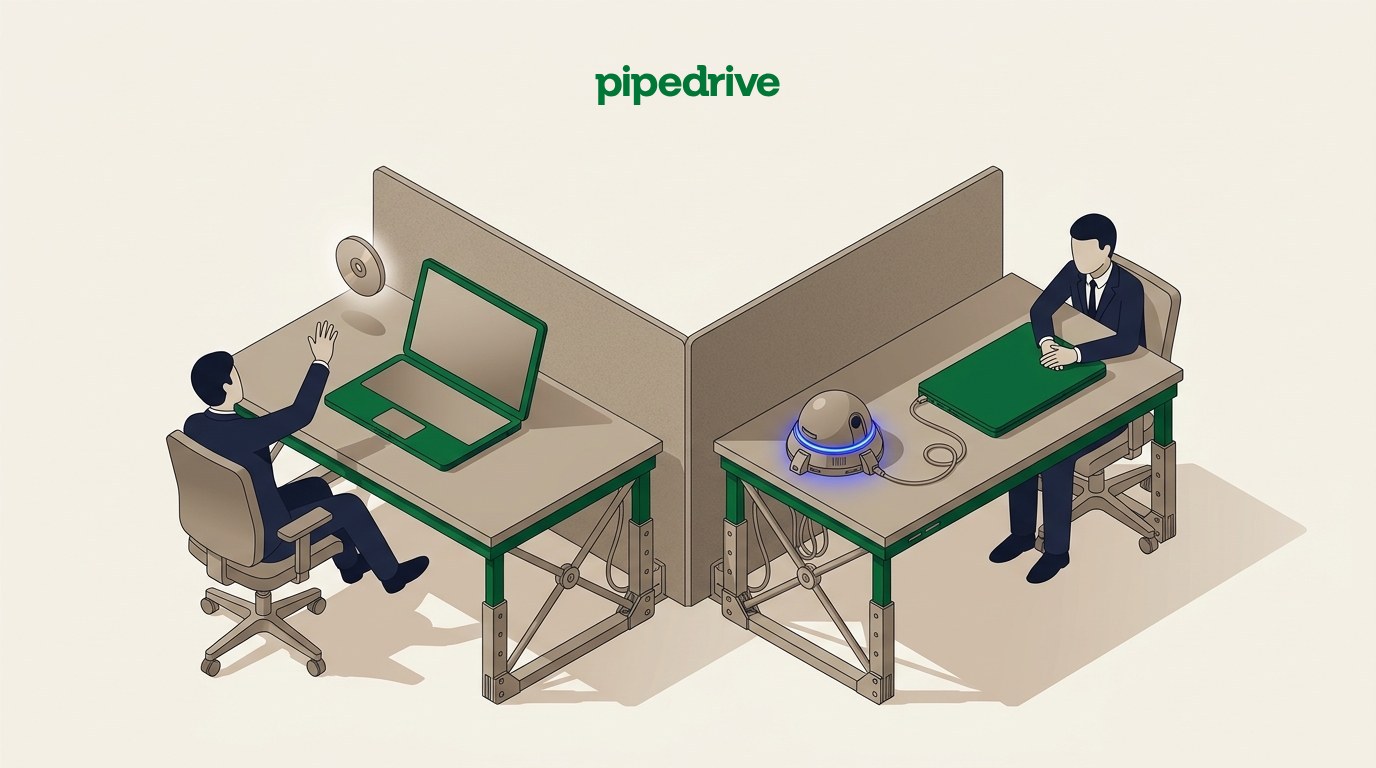
Pipedrive gives a team the choice rather than picking one method for every call, and the two options aren't interchangeable in what they can capture:
- The AI Notetaker bot joins Google Meet, Zoom or Microsoft Teams "as a visible participant." Every attendee sees it in the participant list. It only works on those three platforms, and only for a scheduled video call it can be invited into.
- The desktop app records system audio with no bot in the call at all. Pipedrive's own framing is that this covers "VoIP, phone calls, in-person meetings and other calls AI notetakers can't join." That's the wider net: a phone call, an in-person meeting, or a video platform the bot doesn't support all become capturable the same way.
The trade a team is actually making is visibility against reach. A visible bot gives every participant an explicit, on-screen signal that a meeting is being recorded, which is a simpler way to satisfy the consent obligations Pipedrive puts on the meeting organizer. The desktop app reaches calls a bot never could, but the participant on the other end has no on-screen cue at all, which puts more weight on whatever separate notice the organizer sends. Pipedrive's own consent tooling (the pre-meeting email notice, the consent link) is built to cover exactly this gap, but it's an extra step the organizer has to actually use, not something the desktop app itself displays.
Where does Nova sit next to a standalone meeting recorder?
Nova's advantage over a separate tool is structural, not a feature-for-feature win: it writes into the same database the pipeline already lives in, so a suggested update lands directly on the deal record rather than in a transcript library a rep has to cross-reference. A standalone recorder still has to sync into the CRM through an integration, a Zapier-style automation, or a person copying fields across by hand.
What Nova doesn't have is choice. It's Pipedrive's own tool, on Pipedrive's own roadmap, and if your team runs a different CRM, it isn't available at all. A standalone recorder works across CRMs, often has a longer track record on transcription accuracy in a specific language or accent, and in some cases integrates with more than one calendar and dialer at once.
We've compared eight of the standalone options, including how each one syncs (or doesn't) into a CRM, in call recording software for sales: 8 tools compared, which covers Nova alongside Gong, Fathom, Fireflies, Otter, Avoma, Clari Copilot and HubSpot's own Notetaker. If your team is already on Pipedrive, Nova is the default worth testing first, precisely because it costs nothing extra to try. If you're not on Pipedrive, or you need a recorder that plugs into more than one system, that comparison is the more useful read.
What's still unverified or not published?
An objective read of a new product has to state the gaps as plainly as the capabilities. As of this check, on the pages we could reach:
- Transcription language coverage isn't stated. Neither the press release, the product page, nor the support articles we checked name which languages Nova transcribes or drafts in. We found a claim elsewhere that it's English-only with a waitlist for other languages, but couldn't verify it against a Pipedrive page, so we're not repeating it as fact.
- No published accuracy figure. Pipedrive states what Nova drafts gets reviewed before saving, which is a process claim, not an accuracy claim. There's no published error rate, transcription accuracy benchmark, or comparison to a competing tool's accuracy.
- The AI providers behind Nova aren't named per feature. The sub-processor list exists at Pipedrive's published URL, but Pipedrive's own FAQ doesn't map a specific provider to a specific Nova capability.
- No independent, non-vendor usage data yet. The only usage figure in the launch material (the 30 to 60 minutes saved per meeting) comes from one six-person pilot team, reported by Pipedrive's own press release. It's a real, attributed account, not an independent study, and it describes one team's experience rather than an average.
Frequently asked questions
Common questions
Sources
Pipedrive, Pipedrive launches Nova to turn sales meetings into CRM intelligence (press release) (2026)
Pipedrive, Pipedrive Nova product page: capabilities, capture modes, security (2026)
Pipedrive, Pipedrive Nova: FAQ, last updated 10 September 2026. Pricing, setup, compliance practices, data retention, sub-processors (2026)
All 5 sources and how they were checked
Pipedrive, Nova Companion (desktop app) support article. Supported operating systems, detectable meeting providers, install and sign-in (2026)
Pipedrive, Nova meetings support article, last updated 10 September 2026. Pre-call briefs, meeting sync settings, consent management (2026)
Every figure on this page was read from the Pipedrive page linked above on 29 September 2026. Salestruct has no commercial relationship with Pipedrive; we build and run sales systems on CRMs including Pipedrive, HubSpot and others.
Whether a tool like Nova can replace a manual note-taking habit is a scoping question, not a features one: it depends on whether your CRM setup can actually use what it drafts.
If you want a second pair of eyes on your own setup, Salestruct runs a free diagnostic.
Read next.
All articlesPipedrive pricing: what each plan actually includes
Every Pipedrive plan read line by line on 29 September 2026: what each one unlocks, the usage limits that force an upgrade, and the add-ons that change your real cost per seat.
HubSpot vs Pipedrive: which CRM for a sales team?
Every plan, limit and price, read from each vendor's own pages on 29 September 2026: interface, automation, webhooks, API, integrations, AI, security, support and year-one cost at 5 and 15 seats.